Rendering value comes from predictable turnaround, format support, privacy controls, and support when a deadline is close.
Choosing a render service is not just a price comparison. For animation work, the real question is whether a provider can take your scene from final approval to finished frames without breaking your pipeline, surprising your budget, or creating a delivery problem when the schedule is already tight.
A still-image render can usually tolerate more manual cleanup. Animation is less forgiving. A missing cache, mismatched plugin, inconsistent frame, or slow support exchange can affect hundreds or thousands of frames. That is why a good render service buying checklist for animation should begin with workflow fit, not with the cheapest published rate.
This guide is built for small studios, motion designers, independent animators, and production teams comparing services such as GarageFarm.NET, RebusFarm, Fox Renderfarm, iRender, and Pixel Plow. It does not rank them as a universal winner. Instead, it gives you a repeatable way to judge which option fits your project, your tools, and your risk level.
For broader production planning, pair this with the animation fundamentals in 3D animation and the handoff stages in an animation workflow.
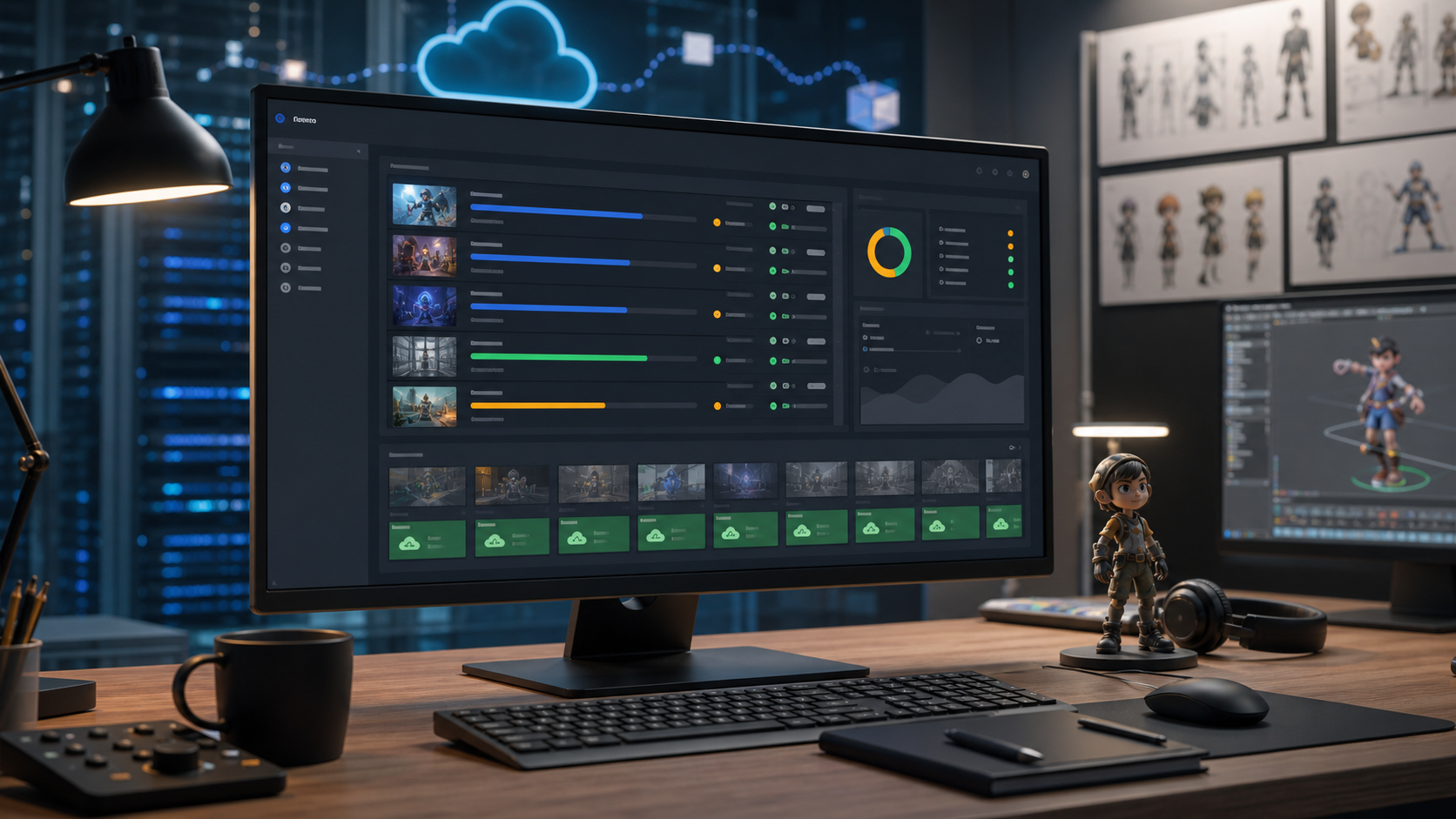
Start With The Job, Not The Vendor
Before comparing render providers, write down the shape of the job you actually need to deliver. A 30-second product animation, a stylized character short, a simulation-heavy effects shot, and a motion-design loop can all require different render infrastructure.
At minimum, define the following:
| Buying question | Why it matters | What to verify before committing |
|---|---|---|
| Which software creates the final scene? | Render services vary by host app and renderer support. | Confirm support for your DCC, renderer, version, and plugins. |
| How many frames are needed? | Animation cost and time scale quickly. | Test representative frame ranges, not just one easy frame. |
| Are there simulations or caches? | Missing caches are a common render failure point. | Package Alembic, VDB, cloth, particles, fluids, and baked assets. |
| Is the deadline fixed? | Support speed and queue behavior matter more near delivery. | Ask how priority, queueing, and failed-frame recovery work. |
| Who will troubleshoot? | Some teams need managed help; others want machine control. | Decide whether you need farm support or remote GPU access. |
This first step prevents a common mistake: choosing a provider because it looks fast in general, then discovering that your scene is difficult to package, your renderer version is unsupported, or your team needs a different control model.
Match The Service Model To Your Team
Most animation render options fall into two practical categories: managed render farms and cloud GPU or workstation rental.
Managed render farms are built around submitting scenes, distributing frames, monitoring jobs, and downloading finished output. GarageFarm.NET, RebusFarm, Fox Renderfarm, and Pixel Plow are examples of services commonly positioned around render-farm workflows. These can be useful when you want the service to handle job distribution and frame processing through a submission pipeline.
Cloud GPU rental is closer to renting a powerful remote machine. iRender is commonly positioned around remote GPU server access. This can be useful when you want direct control over the environment, need to run a particular toolchain interactively, or have a setup that does not fit a standard farm submission path.
Neither model is automatically better. The fit depends on how your team works.
Choose a managed render farm when you have a conventional frame sequence, a supported software stack, and a team that wants fewer infrastructure decisions. Choose remote GPU rental when you want hands-on control, custom installs, interactive rendering, or a workstation-like environment. If your team is still selecting creative tools, review the broader options in animation software before locking the render pipeline.
Check Software, Renderer, And Plugin Compatibility
Compatibility is the first serious gate. A render provider can have impressive infrastructure and still be a poor fit if it does not support your exact production setup.
Do not stop at the host application name. Ask about the exact version of Blender, Cinema 4D, Maya, Houdini, 3ds Max, or other tools used in the final scene. Then verify the renderer version, plugin versions, texture handling, color management, and any third-party dependencies.
For animation, also check:
- Whether frame ranges can be submitted and resumed cleanly
- Whether your render engine supports distributed rendering in that environment
- Whether the service can identify missing assets before a full job starts
- Whether logs are visible enough for troubleshooting
- Whether failed frames can be re-rendered without re-running the whole job
This is especially important for motion-design work where scenes may use plugins, procedural setups, and layered compositing assumptions. If your project combines 2D, 3D, and brand animation, the planning notes in motion design can help you identify which assets should be rendered, pre-rendered, or kept editable for compositing.
Test A Representative Frame Range
A single test frame is useful, but it is not enough for animation buying decisions. One frame may avoid the heaviest simulation, skip a lighting transition, or miss a problematic camera angle.
A better test includes:
- One early frame
- One middle frame
- One late frame
- A small consecutive range with motion blur, particles, reflections, or camera movement
- Any frame known to be heavy in the local render
This test should answer four questions. First, does the job upload and parse correctly? Second, does the rendered output match your local result? Third, are there missing assets, texture path issues, cache problems, or color differences? Fourth, does the estimated cost make sense when scaled to the full sequence?
If the answer to any of those is unclear, do not send the full job yet. Animation rendering gets expensive when errors multiply across a sequence.
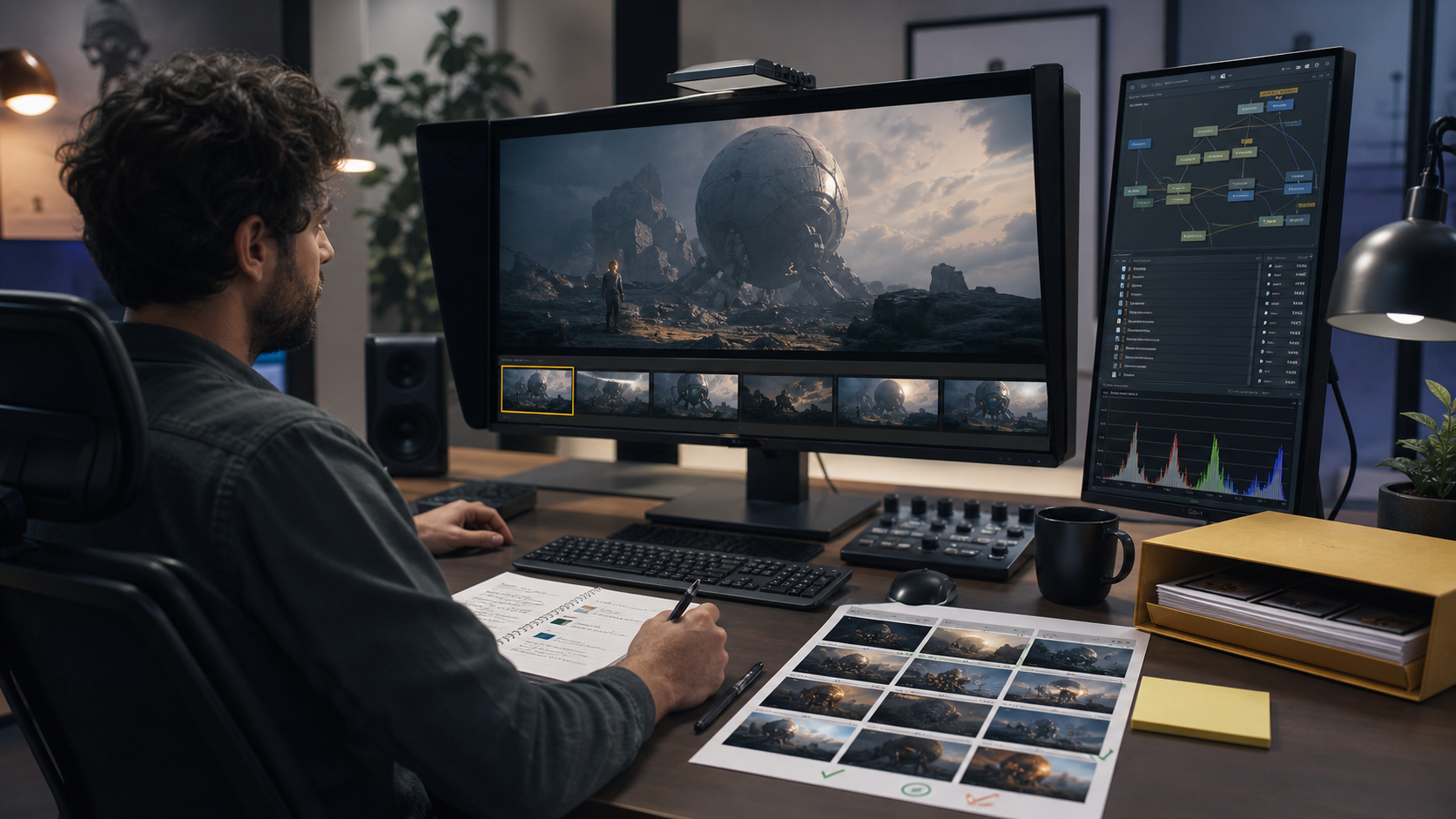
Compare Cost Controls, Not Just Rates
Render service pricing can be difficult to compare because providers may describe capacity differently. Some emphasize CPU cores, some GPU power, some credits, some machine rental time, and some priority levels.
For buying decisions, the headline unit matters less than your ability to predict the final bill. Ask how the service estimates cost before submission, whether you can set spending limits, whether failed frames are charged, and how priority settings affect price.
A useful cost checklist includes:
- Can you estimate the full sequence before launch?
- Can you cap the job budget?
- Can you preview cost from a test range?
- Are upload, storage, support, or priority fees separate?
- What happens when a frame fails because of missing assets?
- Is there a minimum charge or credit package?
- Can you pause, cancel, or adjust the job?
For animation teams, predictable controls usually matter more than the lowest possible rate. A slightly higher service with better preflight checks, clearer logs, and easier re-rendering may be cheaper than a low-cost run that requires manual recovery.
Evaluate Upload, Storage, And Data Handling
Upload workflow is easy to ignore until a deadline is close. Large animation projects can include texture folders, caches, references, audio, simulations, and multiple scene versions. If the provider’s upload flow is clumsy, the render process becomes a production bottleneck.
Before choosing a service, check how it handles project packaging. Some providers use dedicated upload tools or submission plugins. Others rely on manual file transfer or remote desktop workflows. What matters is whether your team can repeat the process reliably.
You should also ask how long files remain available, how completed frames are delivered, and whether old project data can be deleted. For commercial animation, client confidentiality may also affect the decision. Read the provider’s public policy materials and compare them with your own production requirements. Gwanimation’s own publishing standards are outlined in the site editorial policy, but project security decisions should follow your production agreement and client obligations.
Review Support Before You Need It
Support quality is hard to judge from a homepage, but it is critical during animation delivery. A render issue at frame 10 of 2,000 is inconvenient. The same issue at 2 a.m. before client review can stop delivery.
Before sending a major job, contact support with a specific compatibility question. The goal is not to create busywork. The goal is to learn how clearly the provider answers production questions.
Good signs include precise answers about software versions, renderer support, failed-frame handling, logs, and job recovery. Weak signs include vague responses, pressure to upload before compatibility is clear, or answers that do not address the actual pipeline.
If your team needs deadline-sensitive support, make that part of the buying decision. Infrastructure is only useful when someone can help you recover from the predictable problems of real production.
Provider Fit Notes
GarageFarm.NET is commonly presented as a render farm for artists and studios that want managed job submission rather than direct infrastructure management. It is worth evaluating when your priority is a guided farm workflow, compatibility help, and conventional frame rendering.
RebusFarm is another managed render-farm option to compare when you want established farm-style submission and delivery. For animation, pay close attention to software support, test-frame consistency, and the practical steps for downloading completed sequences.
Fox Renderfarm is often associated with broad cloud rendering use cases. It may be relevant for teams that need to compare renderer support, production scale, and job management features across animation, visual effects, or visualization work.
iRender is useful to consider when your team wants remote GPU server access rather than a traditional farm submission model. This can fit custom software environments, interactive work, or pipelines where direct control is more important than managed distribution.
Pixel Plow is another render-farm option to assess through the same checklist: supported tools, queue behavior, budget controls, logs, failed-frame handling, and output consistency.
These notes are starting points, not final verdicts. Provider capabilities, pricing, and supported versions can change, so verify current details directly before buying.
Source Notes
The source set for this guide is limited to the provided provider websites: GarageFarm.NET, RebusFarm, Fox Renderfarm, iRender, and Pixel Plow. Claims in this article are intentionally framed as buying criteria and provider-fit considerations rather than benchmark results. No firsthand performance testing, price audit, or private support evaluation is claimed.
Use each provider’s current documentation, support contact, submission tools, and pricing materials before committing production work. If a project has strict security, compliance, or client-delivery terms, treat public marketing pages as a starting point and request written confirmation for the specific production requirement.
Final Buying Checklist
Before choosing a render service for animation, confirm these points:
- Your exact software, renderer, and plugin versions are supported.
- A representative frame range renders correctly.
- The output matches local color, lighting, motion blur, and effects expectations.
- Missing assets and caches are caught before the full job.
- You understand cost estimates, budget caps, and failed-frame charges.
- Upload and download workflows fit your file size and deadline.
- Support can answer production-specific questions clearly.
- The service model matches your team: managed farm or remote machine access.
- You know how to re-render failed frames without losing delivery time.
- Data retention and project cleanup meet your client requirements.
A render service should make the final stage of animation calmer, not more uncertain. The right provider is the one that fits your pipeline, proves itself on a realistic test, and gives you enough control to deliver finished frames on schedule.
For more context on how rendering fits into the broader production path, continue with animation workflow or learn more about the site on the about page.
FAQ
What is the best render service for animation?
There is no universal best render service for every animation project. The right choice depends on your software, renderer, plugins, deadline, budget, upload size, support needs, and preferred control model. A managed render farm can be simpler for frame sequences, while remote GPU rental can be better when you need direct access to a custom environment.
How do I compare render farm pricing?
Do not compare only the headline rate. Run a representative test range, estimate the full sequence, check whether you can set budget limits, and ask how failed frames are charged. Also consider whether support, storage, upload tools, or priority settings affect the final cost.
Should I use a managed render farm or rent a cloud GPU server?
Use a managed render farm if your project fits a supported submission workflow and you want distributed frame rendering with less infrastructure setup. Rent a cloud GPU server if you need interactive control, custom installs, or a workstation-like environment for rendering and troubleshooting.
How many frames should I test before submitting the full animation?
Test at least several representative frames and one short consecutive range. Include heavy lighting, motion blur, simulations, reflections, or camera movement. The test should reveal compatibility issues, cost expectations, and output differences before the full sequence runs.
What files should I prepare before uploading to a render service?
Prepare the final scene file, textures, linked assets, baked simulations, caches, fonts where relevant, audio references if needed, and any plugin-dependent files. Use the provider’s packaging instructions and check logs for missing paths before launching the full job.
Can a render service guarantee that my animation will match my local render?
A provider can support matching conditions, but the result depends on software versions, renderer settings, assets, color management, plugins, and scene packaging. Always compare test frames against local output before committing a full production render.