For 3D animation, the best tool is the one that matches rigging, scene scale, render needs, and asset compatibility.
3D Animation Software Pipeline Guide
The right 3D animation software is rarely just “the most powerful” application. A better question is where the software has to sit in your pipeline. Some artists need an all-in-one package for modeling, rigging, keyframing, simulation, lighting, and final rendering. Others need a specialist tool that improves character motion before the asset moves into a game engine, renderer, or compositing stack.
This 3D animation software pipeline guide is designed for that decision. It compares Blender, Autodesk Maya, Cinema 4D, Unreal Engine, and Cascadeur by workflow fit: what each tool is naturally good at, where it tends to plug into production, and what kind of user should shortlist it.
If you want a broader ranked roundup, see our guide to the best animation software. For production structure, pair this article with our animation workflow guide, rendering guide, and motion design guide. You can also review how we evaluate software on our editorial policy page or learn more about Gwanimation.
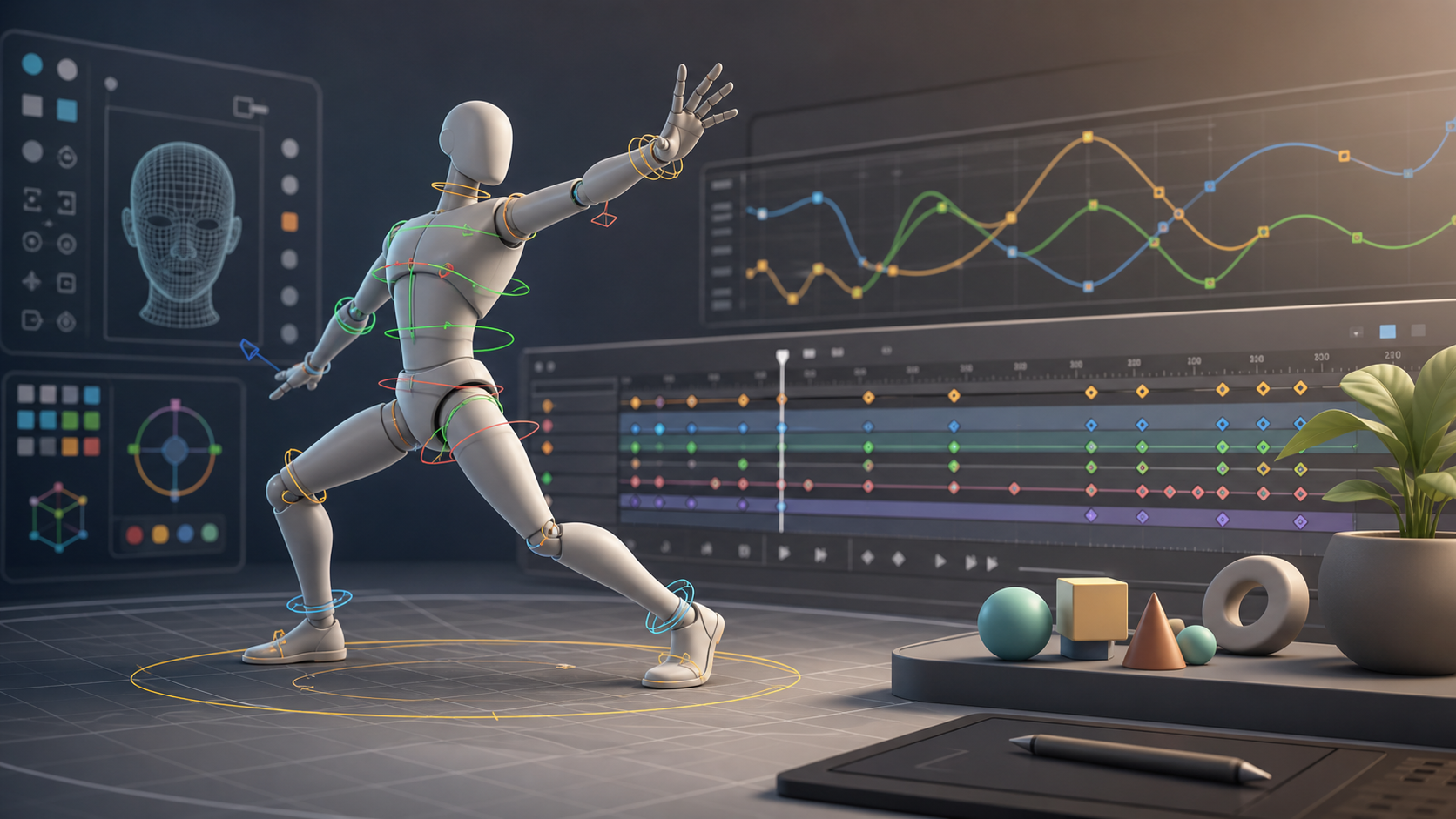
Start With the Pipeline, Not the Logo
A 3D animation pipeline usually moves through several stages: concept, modeling, UVs, materials, rigging, animation, simulation, lighting, rendering, review, export, and delivery. A small creator may do all of this inside one application. A studio may divide the same process across multiple tools, with one package for character animation, another for real-time staging, and another for final render or compositing.
Before choosing software, define these constraints:
- What is the final output: rendered video, game asset, virtual production scene, product loop, social motion graphic, or interactive experience?
- Do you need character rigs, mechanical animation, abstract motion graphics, or camera-driven cinematic work?
- Will the project be rendered offline, previewed in real time, or exported to another engine?
- Do collaborators need standard file interchange such as FBX, Alembic, USD, or image sequence output?
- Is the bottleneck animation quality, look development, rendering time, or team handoff?
A strong tool can still be the wrong fit if it solves the wrong stage of the pipeline.
Quick Comparison
| Software | Best pipeline role | Strong fit for | Watch-outs |
|---|---|---|---|
| Blender | Generalist 3D creation and animation | Independent creators, small teams, learning, full-scene production | Teams may need discipline around naming, add-ons, and interchange standards |
| Autodesk Maya | Character animation and studio-style production | Rigging, keyframing, VFX, game and film animation pipelines | Heavier learning curve and commercial licensing considerations |
| Cinema 4D | Motion design and approachable 3D production | Broadcast graphics, product visuals, procedural motion, design-led animation | Less obvious as a first pick for deep character-rig departments |
| Unreal Engine | Real-time animation, staging, and interactive playback | Game cinematics, virtual production, live previews, interactive scenes | Not a direct replacement for every modeling or rigging task |
| Cascadeur | Physics-assisted character posing and motion cleanup | Character animation, action shots, imported animation refinement | Specialist tool; usually works alongside a broader 3D package |
Blender: Best All-In-One Starting Point
Blender is the most flexible starting point for many creators because it covers so much of the 3D pipeline inside one application. Its animation feature set includes keyframing, timeline editing, graph curves, drivers, shape keys, rigging tools, and non-linear animation workflows. For a solo creator or small team, that means fewer handoffs before the project reaches rendering or export.
Blender is also useful when budget and experimentation matter. You can model an asset, rig it, block animation, refine curves, add materials, test lighting, and render without immediately committing to a paid suite. That makes it a practical learning environment for people who are still discovering whether their work leans toward characters, environments, motion graphics, or stylized loops.
The tradeoff is pipeline management. Because Blender can do many things, teams need clear conventions for file structure, naming, add-ons, export settings, scale, and review. A messy Blender scene can become hard to hand off, especially if another artist needs to open it months later or move it into an engine.
Choose Blender if you want one capable 3D home base and you are willing to build clean habits around scene organization.
Autodesk Maya: Best for Character Animation Pipelines
Maya remains one of the most important names in professional 3D animation because it is built around deep production control. Its strengths are most visible in character animation, rigging, graph editing, scripting, and complex scene workflows. If your pipeline depends on custom rigs, animation controls, repeatable exports, and collaboration with technical artists, Maya belongs on the shortlist.
A Maya-based workflow often separates departments more clearly. Modelers, riggers, animators, layout artists, lighting artists, and technical directors may all touch different versions or exports of an asset. That structure can be overkill for a single creator, but it becomes valuable when animation quality and handoff reliability matter more than simplicity.
Maya is also a strong fit when assets will move into game engines, VFX pipelines, or external render workflows. The main consideration is commitment. Maya asks more from the user: more training, more setup, more pipeline planning, and usually more budget. For teams that need its depth, that commitment can be justified. For quick social loops or lightweight design work, it may be more machinery than required.
Choose Maya if rigging, animation polish, custom tooling, and production handoff are central to the work.
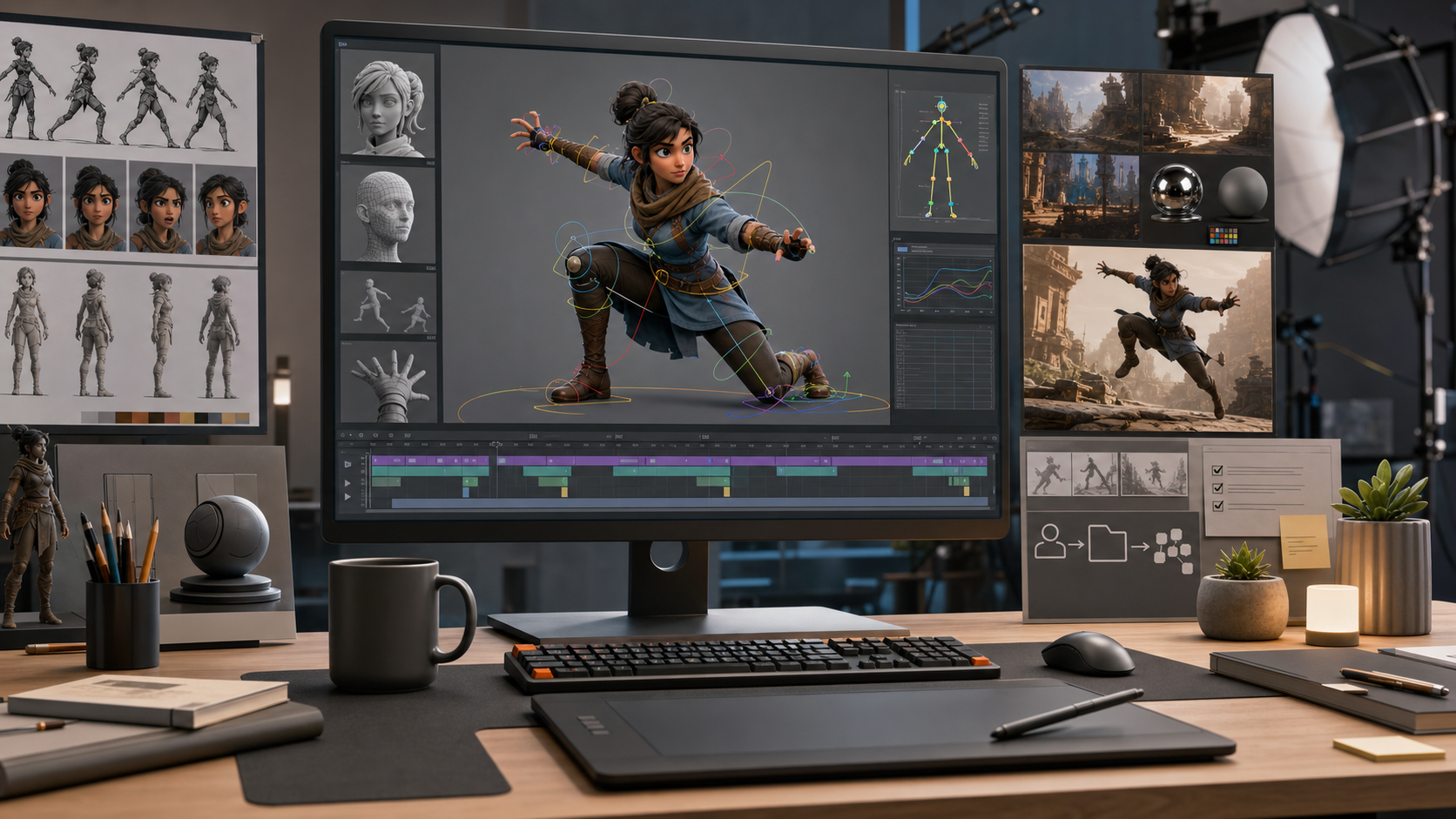
Cinema 4D: Best for Motion Design and Visual Iteration
Cinema 4D is especially attractive for designers who want 3D motion without feeling trapped in a technical maze. It is widely associated with motion graphics, product visualization, broadcast design, procedural animation, and approachable scene building. Maxon positions Cinema 4D as a professional 3D animation, modeling, simulation, and rendering solution, with MoGraph and Redshift playing important roles in its appeal.
For a motion designer, the pipeline often starts with a visual idea rather than a character rig. You may need animated typography, product forms, looping abstract systems, cloners, particles, lighting looks, and render-ready shots that can move into editing or compositing. Cinema 4D is strong in that environment because it supports fast visual iteration and procedural setups.
Its fit is less universal for teams centered on complex character animation. It can animate, rig, simulate, and render, but Maya or Blender may be more common choices when the main production challenge is character performance rather than design-led motion.
Choose Cinema 4D if your pipeline is closer to brand films, broadcast packages, product animation, or abstract motion design.
Unreal Engine: Best for Real-Time Animation Context
Unreal Engine changes the decision because it is not just another DCC package. It is a real-time engine, so its value appears when animation needs to be previewed, staged, lit, and played back interactively. That matters for games, cinematics, virtual production, architectural visualization, interactive experiences, and teams that want faster iteration on final-looking scenes.
In a 3D animation pipeline, Unreal often receives assets from tools such as Blender, Maya, or Cinema 4D. Characters, props, cameras, animation clips, and environments can be prepared elsewhere, then assembled in Unreal for real-time lighting, sequencing, gameplay logic, or cinematic review. This can reduce the delay between animation decisions and final context.
The key is understanding that Unreal does not erase the need for upstream work. You still need clean models, proper rigs, animation data, materials, naming, and export discipline. Unreal becomes powerful when those inputs are already structured.
Choose Unreal Engine if the final experience is interactive, real-time, cinematic, or tied to game and virtual production workflows.
Cascadeur: Best for Character Motion Assistance
Cascadeur is a focused tool rather than a full production suite. It is designed for keyframe animation, editing imported animation, and speeding up character motion with AI-assisted and physics-oriented tools. Its own site emphasizes that it works with FBX, DAE, and USD, which makes it relevant as a companion inside broader animation workflows.
That makes Cascadeur useful when the hard part is believable body mechanics. Action shots, jumps, falls, impacts, balance, and pose transitions can be difficult to animate convincingly by hand. A specialist tool can help an animator explore motion more quickly before sending the result back to the main 3D package or engine.
The limitation is scope. Cascadeur is not where most teams will model every asset, shade every material, build every environment, and render every final frame. It is best evaluated as a motion tool that supports the animation stage.
Choose Cascadeur if character motion quality is the bottleneck and your pipeline already has a place for imported and exported animation data.
Recommended Pipeline Setups
For beginners and solo creators, start with Blender. It gives you the broadest view of the complete 3D process, from modeling to rendering, without forcing a multi-tool setup too early. Add Unreal later if real-time scenes or games become the goal.
For character animation careers, learn Maya or Blender deeply, then understand how animation exports into engines and render workflows. Maya is especially relevant for studio-style roles, while Blender is a practical and increasingly capable all-around environment.
For motion design, shortlist Cinema 4D and Blender. Cinema 4D is often the more direct design-led option, especially when procedural motion and polished visual iteration matter. Blender can be excellent when budget, customization, or broader 3D coverage is more important.
For real-time production, use Unreal Engine as the destination and choose your upstream DCC based on asset needs. Maya may handle character rigs. Blender may handle modeling and general animation. Cinema 4D may handle design-driven animation. Cascadeur may support character motion before clips move into the engine.
For game animation, think in terms of exports and iteration. Your chosen animation tool must produce clean assets that the engine can read reliably. Unreal is often the playback and integration environment, while the animation work may happen in Maya, Blender, or Cascadeur.
How to Avoid the Most Common Mistakes
Do not choose 3D animation software from portfolio reels alone. A finished reel hides the setup time, cleanup, failed exports, render settings, and team conventions behind the result. Look at the daily workflow instead.
Do not ignore rendering. Animation software decisions often collapse when a project reaches final frames. If the renderer is too slow, too complex, or incompatible with the look you need, the animation tool may feel worse than it is. Use the rendering guide to separate animation workflow from final image strategy.
Do not build a pipeline with no interchange plan. Even if you start in one tool, you may later need to export to Unreal, hand off to another artist, render elsewhere, or archive assets. Agree on formats, frame rates, scale, naming, and folder structure early.
Do not assume a specialist tool must replace your main package. Cascadeur can improve a character animation workflow without becoming the entire pipeline. Unreal can become the real-time destination without replacing all upstream modeling and rigging work.
Source Notes
This guide uses official product sources for pipeline positioning: Blender animation features, Autodesk Maya overview, Maxon Cinema 4D, Unreal Engine animation and features, and Cascadeur. Product capabilities and positioning can change over time, so confirm current licensing, operating system support, file format support, and feature availability before standardizing a studio pipeline.
FAQ
What is the best 3D animation software for beginners?
Blender is usually the most practical starting point because it covers modeling, rigging, animation, simulation, rendering, and export in one environment. It also helps beginners understand the whole pipeline before specializing. If your goal is motion design, Cinema 4D may feel more direct. If your goal is studio character animation, Maya is worth evaluating once you understand the basics.
Is Maya still worth learning for 3D animation?
Yes, especially for character animation, rigging, and studio-style production workflows. Maya can take longer to learn than a lighter tool, but its depth remains valuable where animation controls, technical direction, scripting, and consistent handoffs matter.
Should I animate in Unreal Engine or import animation into it?
Most pipelines do both, depending on the task. Character animation may be authored or cleaned up in Maya, Blender, or Cascadeur, then imported into Unreal for sequencing, real-time preview, game logic, or virtual production. Unreal is strongest when animation needs to be seen in final interactive context.
Can Cinema 4D handle serious 3D animation work?
Yes, especially for motion graphics, product visualization, broadcast design, procedural animation, and render-led visual work. For heavy character pipelines, compare it carefully against Maya and Blender before committing.
Where does Cascadeur fit in the pipeline?
Cascadeur fits best as a specialist character motion tool. It can help create, edit, or refine animation before the result moves into a broader 3D package or real-time engine. It is not usually the only software in a complete 3D production stack.