Toon Boom Harmony is the strongest overall choice for small studios building a serious 2D production pipeline, while Adobe Animate, TVPaint, Moho Pro, and Blender each make more sense for specific workflows and budgets.
Small studios do not need the same software stack as a feature animation department, but they do need tools that survive real production pressure: revisions, client notes, export requirements, asset reuse, version control habits, and the simple fact that a small team cannot afford weeks of pipeline friction.
This guide compares the best animation software for small studios, with the focus on practical production fit rather than feature-count theater. The recommendations are based on published product pages and documentation from the software makers, not private testing or undisclosed pricing. For how Gwanimation approaches recommendations, see our editorial policy and about page.
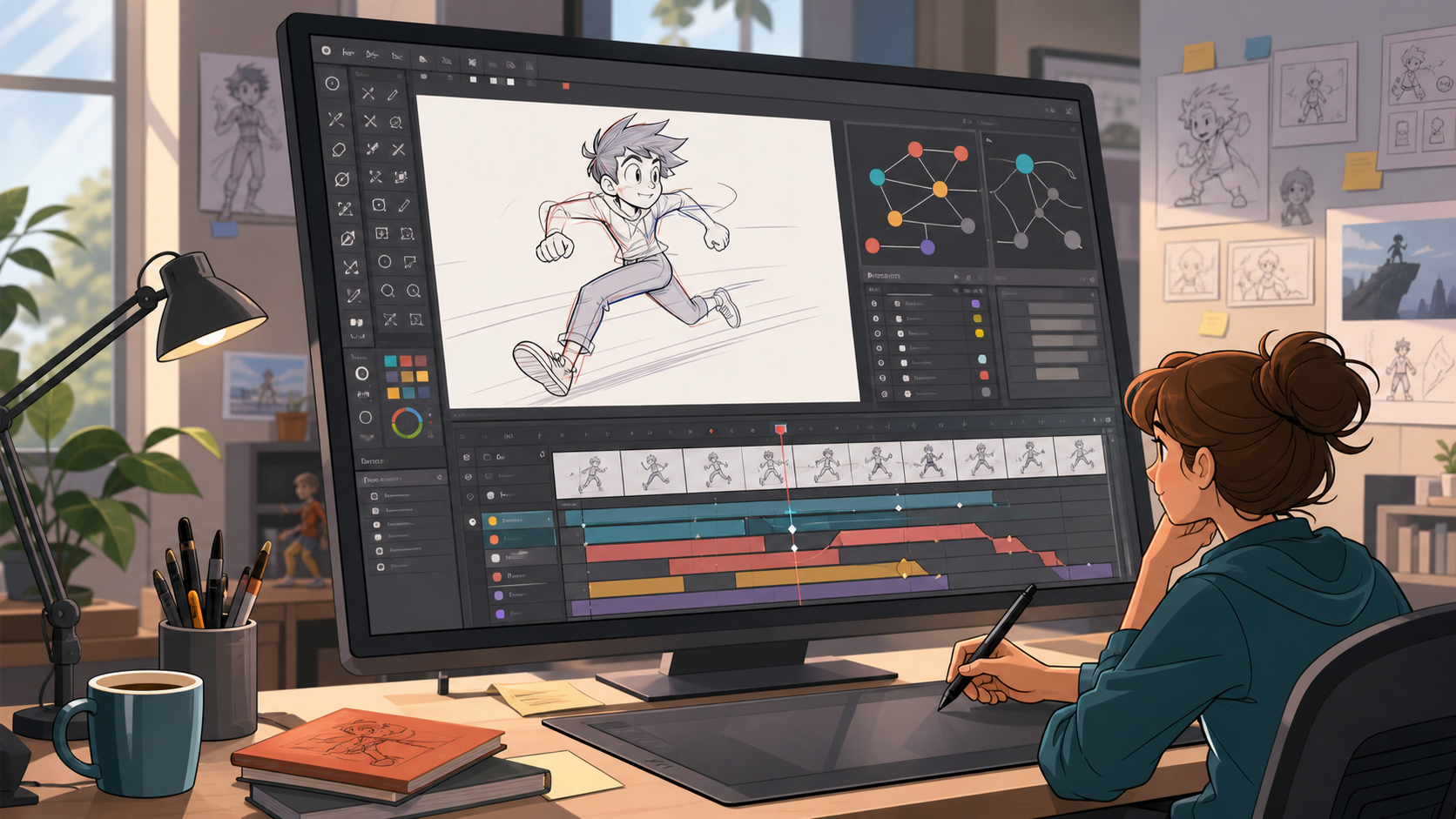
Quick Editorial Verdict
For most small studios making professional 2D animation, Toon Boom Harmony is the best overall choice because it is built around production-grade drawing, rigging, compositing, and studio workflow needs. It is not the cheapest or simplest option, but it is the most convincing center of a serious 2D pipeline.
Adobe Animate is better for teams producing web animation, vector-led explainers, lightweight character pieces, and assets tied to a broader Adobe workflow. TVPaint is the better pick for traditional frame-by-frame artists. Moho Pro deserves attention from small studios that want efficient rigged 2D character animation without the weight of a larger studio package. Blender is the clear value leader for 3D, previs, motion graphics, and open-source pipelines.
If your team is still defining the production process, read our animation workflow guide before committing. Software decisions become much easier once you know whether your bottleneck is storyboarding, rigging, cleanup, compositing, or review.
Best Animation Software Comparison
| Pick | Best for | Main strength | Watch out for |
|---|---|---|---|
| Toon Boom Harmony | Professional 2D studio pipelines | Drawing, rigging, effects, compositing, and production depth | Cost and onboarding can be heavier than smaller teams expect |
| Adobe Animate | Web, vector, interactive, and short-form animation | Familiar Adobe ecosystem and broad export use cases | Less ideal as a complete high-end character animation pipeline |
| TVPaint Animation | Hand-drawn frame-by-frame animation | Natural traditional animation workflow | Teams needing heavy rigging may need another tool |
| Moho Pro | Rigged 2D characters and efficient series work | Bone rigging and character animation value | Not as universal as larger studio suites |
| Blender | 3D animation, previs, hybrid production | Free, open-source, broad 3D animation feature set | Requires pipeline discipline and training |
1. Toon Boom Harmony: Best Overall for 2D Small Studios
Toon Boom Harmony is the safest recommendation for a small studio that wants to build a durable 2D animation pipeline. According to the official Harmony product page, the software is positioned around professional animation production, including drawing, rigging, effects, compositing, and pipeline-friendly workflows.
That matters because small studios often start with one urgent need, such as better character rigs or cleaner cleanup, then discover that the real problem is the whole chain. Harmony’s advantage is that it can sit at the center of that chain. A team can move from rough animation into cleanup, rigged animation, effects, and final scene assembly without constantly translating work between unrelated apps.
Harmony is especially strong for studios making character-led 2D work: series pilots, branded shorts, educational animation, commercials, and YouTube-native productions that need repeatable quality. If your team expects to reuse rigs, maintain model consistency, and hand shots between artists, Harmony is the most complete pick here.
The tradeoff is commitment. Harmony can be more software than a very small team needs on day one. Producers should budget for training time, naming conventions, shot structure, and internal standards. If your team is still learning 2D fundamentals, pair the software choice with our 2D animation guide so the tool does not become a substitute for process.
2. Adobe Animate: Best for Vector, Web, and Adobe-Centric Teams
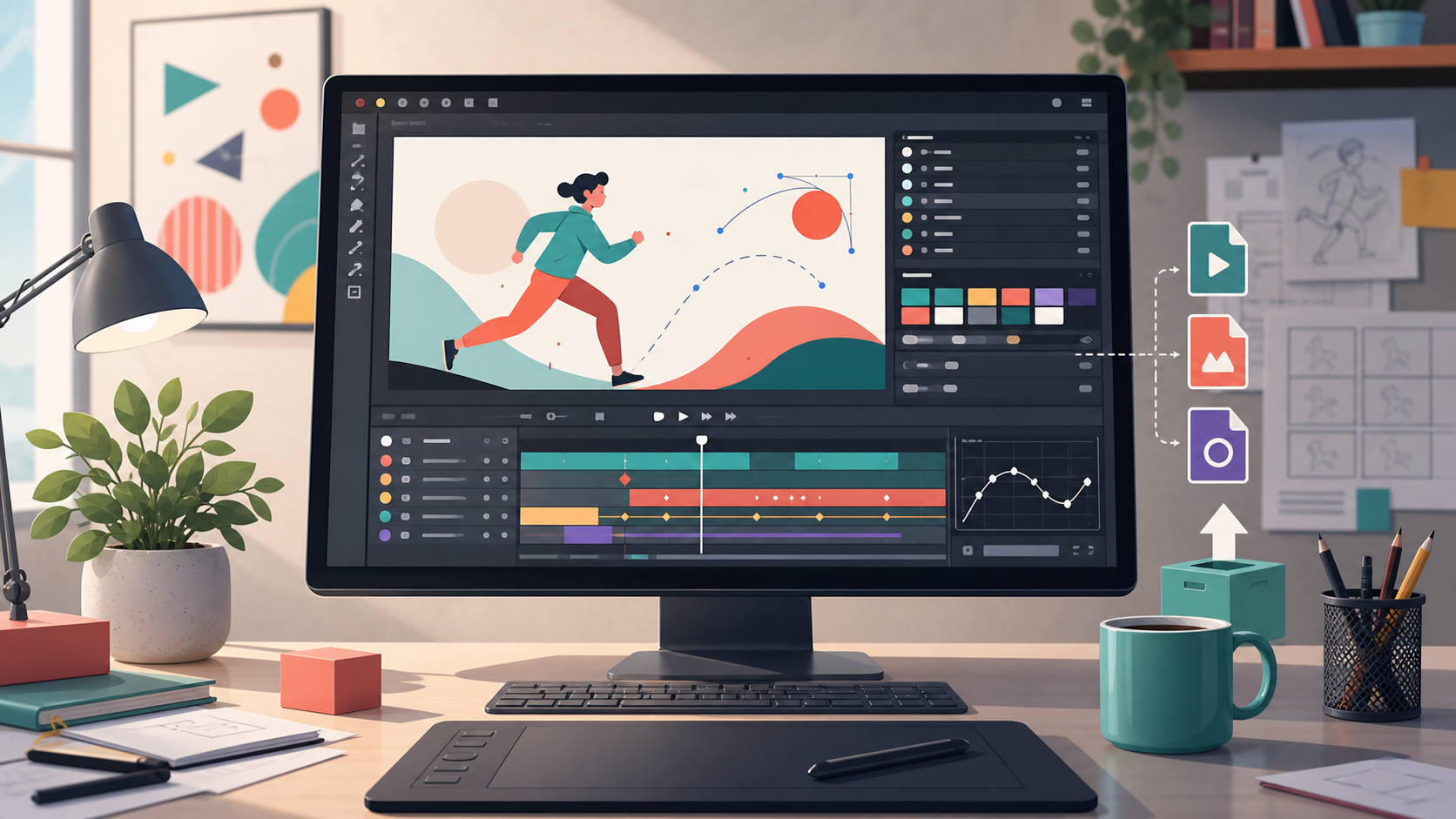
Adobe Animate is a strong choice for studios that produce web animation, vector-based explainers, lightweight character work, interactive assets, HTML5 canvas projects, and social or marketing animation. Its biggest advantage is not just the tool itself, but its fit inside the wider Adobe ecosystem.
For small studios already using Photoshop, Illustrator, After Effects, Premiere Pro, or Creative Cloud libraries, Animate can reduce friction. Designers and animators can work with familiar file sources, brand assets, and client deliverables. That makes it attractive for agencies and hybrid design-animation shops where animation is one service among many.
Animate is not the first tool I would choose for a studio building a long-running traditional character animation pipeline. It can produce professional work, but teams that need deeper rigging, complex scene management, or a more animation-studio-specific structure may outgrow it. Its best role is fast, flexible, vector-led production.
The buyer question is simple: are you buying animation software for a dedicated animation pipeline, or are you extending an existing design workflow into motion? If it is the second, Animate is often the pragmatic choice.
3. TVPaint Animation: Best for Hand-Drawn Frame-by-Frame Work
TVPaint Animation is the pick for small studios that care most about traditional, hand-drawn animation. Based on the official TVPaint website, the product is built around 2D animation and drawing workflows rather than vector-first or rig-first production.
The appeal is artistic control. If your animators think in drawings, timing charts, exposure, rough passes, cleanup, and painted frames, TVPaint feels aligned with that craft. It is well suited to short films, music videos, boutique commercials, expressive character animation, and studios that want a hand-made look.
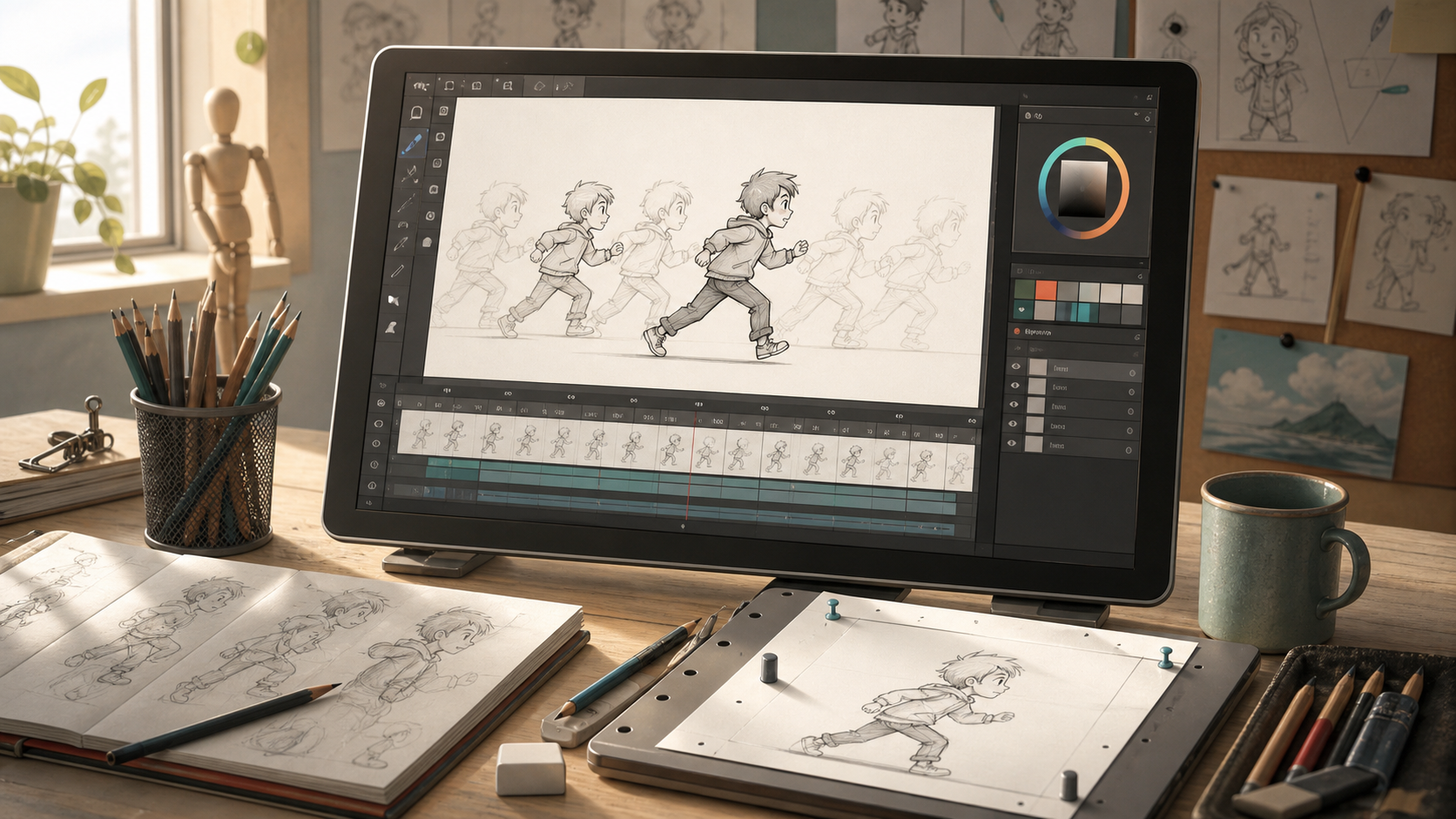
The tradeoff is that frame-by-frame production is labor-intensive. TVPaint does not magically make traditional animation cheap. A small studio choosing it should be honest about schedule and staffing. If every frame must be drawn or heavily touched, the team needs enough artists, review discipline, and client education to protect the budget.
TVPaint is less compelling if the studio’s priority is reusable rigs, fast character turnaround, or a high volume of episodic deliverables. For that, Harmony or Moho Pro may fit better. But for expressive drawing-first production, TVPaint remains one of the most credible choices.
4. Moho Pro: Best Value for Rigged 2D Character Animation
Moho Pro is a strong option for studios that want rigged 2D character animation without buying into the heaviest professional suite. It is best understood as a character animation tool for teams that need efficiency, repeatability, and a manageable learning curve.
Moho’s appeal is especially clear for small studios producing explainer series, educational content, branded characters, indie shorts, and recurring social animation. If you can invest time in good character rigs, the payoff is faster animation on repeated poses, expressions, and actions. That can be valuable when the team has limited headcount.
The tradeoff is scope. Moho Pro may not replace every tool in a broader pipeline. You may still use separate software for storyboards, design, editing, compositing, or final finishing. That is not necessarily a weakness. Many small studios are better served by a focused tool that does one job well than by a massive package that nobody has time to master.
Before choosing Moho, compare your story and asset planning needs against our storyboard tools guide and storyboarding comparison. Rigged animation becomes much more efficient when characters, shots, and boards are planned clearly before production.
5. Blender: Best Free 3D and Generalist Animation Suite
Blender is the standout option for small studios that need 3D animation, previs, layout, motion graphics, modeling, rendering, or a free open-source production tool. The official Blender animation feature page highlights animation, rigging, keyframing, motion paths, and related production features.
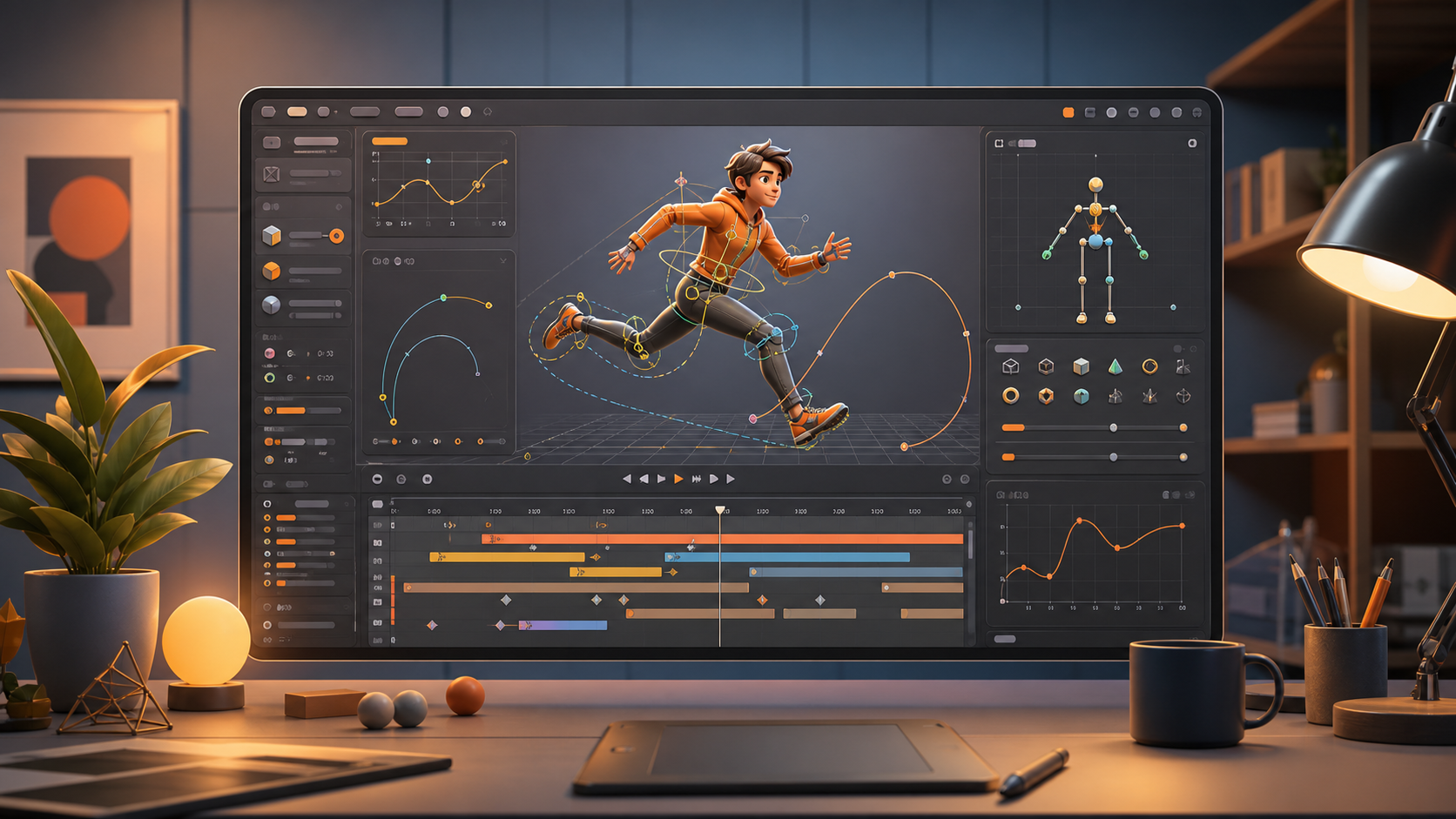
The obvious advantage is cost: Blender is free and open source. But its deeper advantage is range. A small studio can use it for 3D character animation, product animation, previz, camera blocking, environment work, and even hybrid 2D/3D planning. For teams that need a broad creative sandbox, it is hard to ignore.
The downside is that Blender rewards discipline. Because it can do so much, teams need to define what it is for. Otherwise files become inconsistent, add-ons multiply, render settings drift, and the pipeline becomes a personal habit collection rather than a studio system. A small studio using Blender should establish templates, naming rules, asset storage, render presets, and review exports early.
For teams weighing 3D production more seriously, our 3D animation guide explains the workflow choices that matter before software features.
Licensing and Deal Notes
Animation software pricing changes, and vendors may offer different plans by region, team size, education status, or sales channel. Treat this section as a buying framework, not a price list.
Subscription software can be easier for a growing studio because seats can often be added or removed as staffing changes. It can also keep updates predictable. The downside is long-term dependency: if the studio stops paying, access and project continuity may be affected depending on the vendor’s terms.
Perpetual or one-time licenses can be attractive when a studio wants predictable ownership and slower upgrade cycles. The risk is that upgrades, compatibility, and support may still carry future costs. Always check the current vendor page before buying.
Free open-source software such as Blender changes the equation. The license cost is low, but the production cost is not zero. Training, pipeline setup, add-ons, documentation, and internal troubleshooting still consume time. For a small studio, the real question is total operating cost, not sticker price.
Studios should also check whether commercial use, team deployment, educational use, cloud services, fonts, stock assets, plugins, and marketplace assets are covered by their license. Client work makes licensing mistakes more expensive.
How to Choose the Right Tool
Start with the kind of animation your studio sells most often. If the work is professional 2D character animation with reusable rigs and production depth, choose Toon Boom Harmony. If the work is web, vector, or agency-led motion, Adobe Animate is easier to justify. If the look is hand-drawn and frame-by-frame, TVPaint belongs near the top. If the budget is tighter and rigged 2D characters are the main need, Moho Pro is practical. If the studio needs 3D or a free generalist tool, Blender is the obvious first stop.
Then look at your team. A two-person studio should avoid software that requires a pipeline department unless the production value justifies it. A six-person studio with repeat clients may benefit from stronger structure. A studio hiring freelancers should consider what tools those freelancers already know and what file handoff will look like.
Finally, think about review. The best animation software for small studios is not only the one that animators like. It is the one that helps producers review shots, directors give notes, artists revise efficiently, and clients receive clean exports.
FAQ
What is the best animation software for small studios overall?
Toon Boom Harmony is the best overall choice for small studios focused on professional 2D animation production. It has the strongest fit when a studio needs drawing, rigging, compositing, and repeatable pipeline structure in one serious 2D environment.
What is the best free animation software for small studios?
Blender is the best free option for small studios, especially for 3D animation, previs, layout, motion graphics, and hybrid production. The software is free, but teams should still budget time for training and pipeline setup.
Is Adobe Animate enough for professional work?
Adobe Animate can be enough for professional web, vector, social, and explainer animation, especially in Adobe-centric studios. It is less ideal as the core tool for a complex long-form character animation pipeline.
Should small studios use one animation app or multiple tools?
Most small studios eventually use multiple tools. Storyboarding, design, animation, compositing, editing, and delivery often have different requirements. The important thing is to decide which app is the production hub and which tools support it.
Which software is best for hand-drawn animation?
TVPaint Animation is the strongest pick in this list for hand-drawn frame-by-frame work. It suits studios that value drawing feel, traditional timing, and expressive frame-level control.
Which software is best for learning before buying?
Blender is the lowest-risk starting point because it is free, while Adobe Animate may be accessible for teams already paying for Adobe tools. For structured learning paths, see our guide to animation courses.
Final Recommendation
For the target keyword best animation software for small studios, the honest answer is that there is no single tool for every studio. But there is a clear default: choose Toon Boom Harmony if your studio’s business depends on professional 2D character animation and repeatable production quality.
Choose Adobe Animate if your studio is closer to design, web, and vector motion. Choose TVPaint if the work is hand-drawn and artist-led. Choose Moho Pro if efficient rigged 2D character animation is the priority. Choose Blender if your studio needs 3D capability, open-source flexibility, or the best no-license-cost starting point.
The best purchase is the one that matches the work you actually sell, the artists you actually have, and the pipeline you can realistically maintain.