Choose the workflow that removes the most production friction without creating a heavier process than the team can maintain.
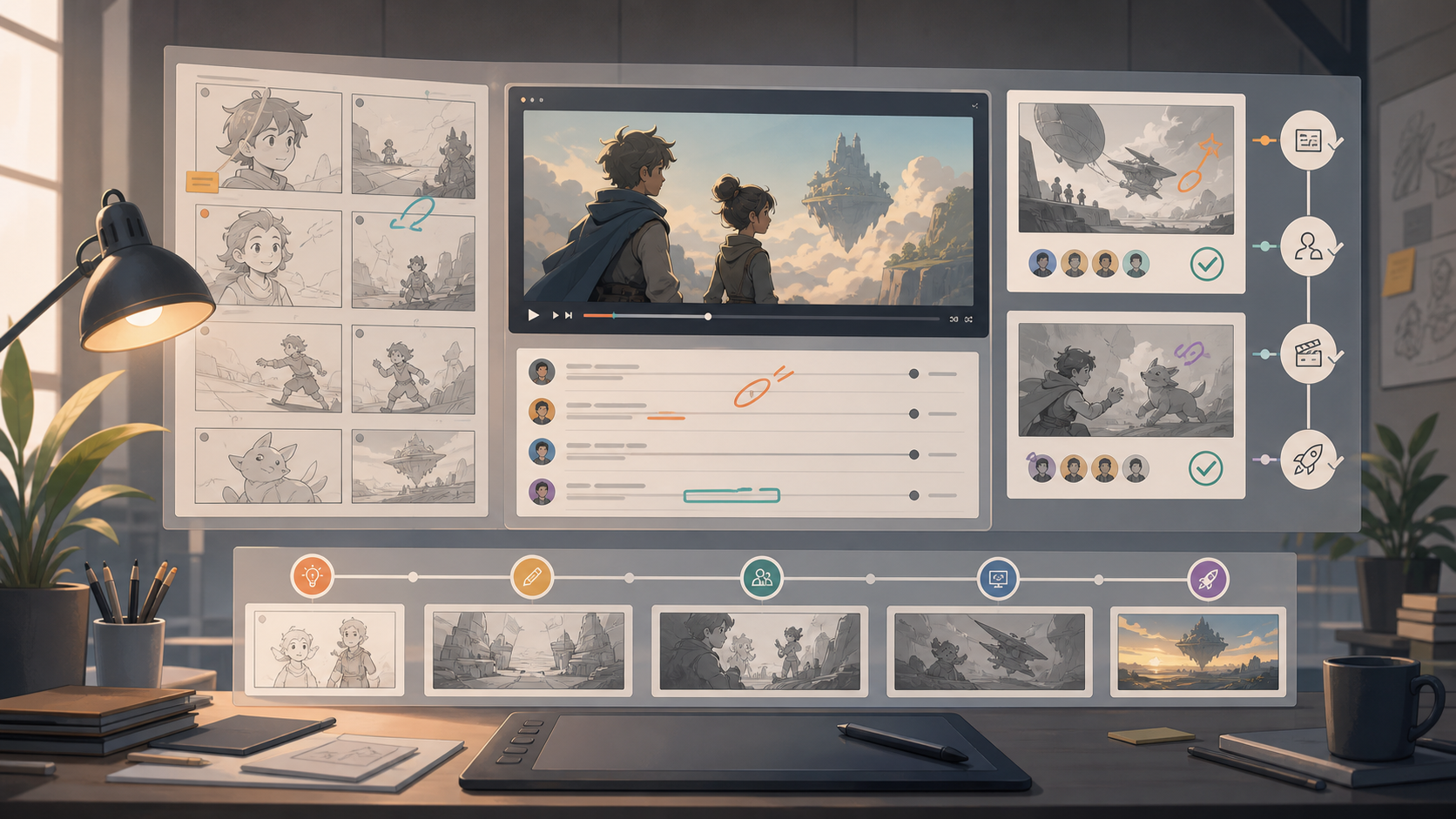
Small studios rarely need the most complex pipeline on day one. They do need a workflow that makes responsibility, feedback, files, and approvals visible. The right animation workflow tools for small studios should reduce rework, keep client comments out of scattered chat threads, and give producers a reliable view of what is ready, blocked, late, or approved.
This guide is written for studios making short films, branded animation, explainers, game cinematics, motion graphics, social campaigns, or episodic assets with a compact team. It does not assume a large technical director group or a custom pipeline team. It also does not claim firsthand testing. The product notes below are based on published pages from the official sources linked in context.
For broader tool selection, pair this workflow guide with our software overview at /best/animation-software/, our story planning guide at /guides/storyboarding/, and our comparison page at /versus/storyboard-tools/.
What an Animation Workflow Tool Actually Solves
A small animation studio usually has four overlapping workflows.
The first is creative planning: briefs, scripts, references, storyboards, animatics, design notes, and production assumptions. This is where a team decides what should be made before expensive animation time begins.
The second is production tracking: shots, assets, scenes, owners, due dates, versions, dependencies, and status changes. This workflow answers the producer's daily questions: what is in progress, what is waiting for review, what needs client input, and what is blocking the next department?
The third is review and approval: frame-accurate comments, notes, version comparisons, client signoff, supervisor feedback, and records of decisions. This is where many small studios lose time if feedback lives across email, chat, video calls, and loose screenshots.
The fourth is delivery coordination: rendering, export settings, file naming, final review, localization, handoff packages, and archive structure. Our separate rendering guide at /guides/rendering/ covers that stage in more detail.
The best workflow stack is not necessarily one product. A simple studio might use one planning tool, one review tool, and one production tracker. A larger boutique team might connect all three around a more formal shot pipeline.
Start With the Bottleneck, Not the Feature List
Small studios often overbuy when they compare workflow tools by feature count. A better starting point is the current failure pattern.
If artists are blocked because feedback is vague, the studio needs stronger review and annotation. If producers cannot tell which shots are ready, it needs tracking. If clients keep reopening approved work, it needs clearer approval records. If the team forgets assumptions from early creative planning, it needs better project documentation.
For example, a studio making motion design packages may care more about timeline review, client comments, and final approval than deep asset dependency tracking. A character animation studio with many shots may care more about shot status, departments, version history, and review rounds. A two-person studio may be better served by a flexible project workspace than a heavy production database.
This is why a fit guide matters. A tool that is excellent for a 60-person VFX pipeline can be too rigid for a five-person animation team. A flexible workspace can be ideal early on, but too loose once multiple artists, clients, and versions are active.
Review and Approval: Frame.io and SyncSketch
For many small studios, review is the first workflow layer worth formalizing. When review is informal, comments like "the timing feels off near the end" or "can we make this more energetic?" become hard to act on. Frame-specific notes, version history, and approval states help convert subjective feedback into production tasks.
Frame.io Review and Approval presents itself around video review, comments, annotations, and approval workflows. Based on the official page, its fit is strongest when a studio needs a polished review space for clients, producers, editors, animators, and stakeholders to comment on work in progress. For small studios handling commercial or agency work, that can be valuable because the review experience itself becomes part of client communication.
SyncSketch is also positioned around visual review and collaboration, with a long association with animation, games, and creative media review. Based on its official site, SyncSketch is especially relevant when the studio needs drawing-over-review, collaborative critique, and visual feedback for animation work rather than only general project comments.
The choice between tools like these should come down to review behavior. If your clients mostly approve polished cuts and marketing deliverables, a client-friendly review and approval flow may be the priority. If supervisors and artists need to draw, scrub, compare, and discuss animation details, animation-oriented visual review may matter more.
A small studio should also decide who is allowed to comment, who can approve, and when a review round becomes final. Without that policy, even strong review software can become another place where unresolved opinions accumulate.
Production Tracking: Autodesk Flow Production Tracking and Kitsu
Once a studio has more than a few simultaneous shots or assets, a spreadsheet can become fragile. Production tracking tools help define the structure of the work: episode, sequence, shot, asset, task, department, assignee, status, due date, and review state.
Autodesk Flow Production Tracking, formerly widely known in the industry as ShotGrid, is positioned by Autodesk as production management software for creative projects. Based on Autodesk's published overview, it is aimed at tracking production, connecting teams, and giving visibility across creative work. For small studios, the main question is whether the structure and overhead are justified by the complexity of the pipeline.
Flow Production Tracking can make sense for studios with recurring shot-based work, multiple artists, supervisors, and a need for more formal reporting. It may be less attractive for a very small team that does not yet have stable naming conventions, department definitions, or a producer who can maintain the system.
Kitsu, from CG Wire, is presented as a production tracking and collaboration platform for animation and VFX studios. Based on the official CG Wire page, Kitsu focuses on production tracking, task assignment, review, and team coordination. It is often worth considering when a studio wants animation/VFX-oriented production tracking without building its own internal system.
For small studios, the key comparison is not only price or feature count. It is operating discipline. A tracker only works if the team updates it. If artists ignore statuses, producers duplicate tasks elsewhere, or clients still send feedback by email, the tracker becomes stale. A lighter tracker that everyone actually uses will beat a sophisticated tracker that only one person maintains.
Flexible Project Management: Notion Projects
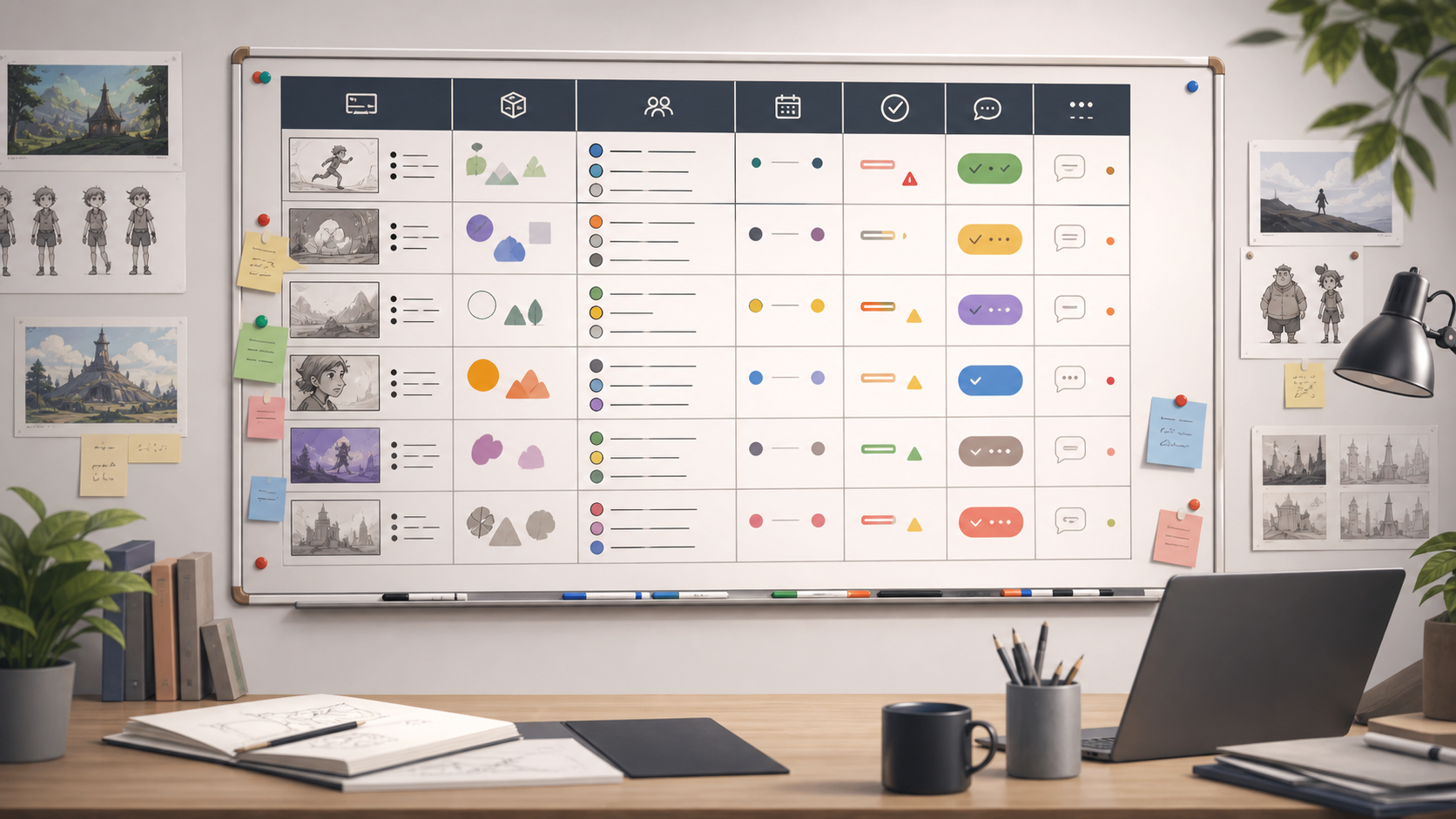
Not every small studio should start with a dedicated animation production tracker. Some teams mainly need shared briefs, task boards, meeting notes, calendars, and lightweight databases.
Notion Projects is positioned by Notion as a way to manage projects, tasks, timelines, and connected workspaces. Based on the official page, it is a flexible option for teams that want planning pages, task views, owners, due dates, and project documentation in one workspace.
For animation studios, Notion can be useful for production bibles, creative briefs, vendor notes, publishing calendars, content plans, client requirements, and lightweight shot lists. It can also help small teams document decisions that would otherwise be lost in chat.
The limitation is structure. Animation production often benefits from strict entities: shots, assets, tasks, versions, departments, and approval states. Notion can model some of this, but it does not automatically become a studio pipeline just because a database exists. If a studio depends heavily on shot review, version comparison, asset handoffs, and production dashboards, a dedicated production tracking or review tool may be a better anchor.
A practical approach is to use Notion for studio knowledge and early planning, then connect or reference more specialized tools for review and production status.
A Practical Stack for Small Studios
A small studio does not need to buy every category at once. A sensible starting stack has three layers.
First, use a planning layer for briefs, schedules, creative references, and meeting notes. This may be Notion Projects or another project workspace. The goal is to keep the "why" and "what" of the project accessible.
Second, use a review layer for animation notes and approvals. This is where Frame.io or SyncSketch may fit, depending on whether the team needs client approval polish, animation critique depth, or both.
Third, use a tracking layer when spreadsheets stop working. This may be Kitsu, Autodesk Flow Production Tracking, or another production tracker. The goal is to make status visible and reduce producer guesswork.
Studios should avoid duplicating the same truth in three places. If shot status lives in a tracker, do not maintain a separate manual status sheet unless it has a very specific reporting purpose. If client approval happens in the review tool, the tracker should reference that outcome instead of inventing another approval status.
Workflow Design Before Tool Adoption
Before adopting any platform, write down the studio's workflow in plain language.
A simple example:
A producer creates the project and shot list. The director approves boards. Artists upload work-in-progress versions. Supervisors comment in the review tool. Producers update shot status after review. Clients only see selected versions. Approved shots move to rendering. Final renders are checked, delivered, and archived.
That description should define statuses before software is configured. For example: Not Started, In Progress, Internal Review, Client Review, Revision Needed, Approved, Rendered, Delivered. Small teams should keep status names few and unambiguous.
The same applies to file naming. Workflow tools cannot rescue a studio from unclear versioning. Decide how files are named, where review exports go, where source files live, and when a version becomes official. This connects directly to downstream production areas such as rendering, covered at /guides/rendering/, and motion package delivery, covered at /guides/motion-design/.
How to Evaluate Fit
Use a short pilot project instead of a theoretical comparison. Choose one active or recently completed project and map it through each candidate tool.
For review tools, check whether comments are easy to make, easy to understand, and easy to resolve. Confirm whether clients can use the experience without training. Look for version comparison, timestamped notes, annotation clarity, approval controls, and notification behavior.
For production trackers, check how quickly a producer can create shots, assign tasks, filter overdue work, see blocked items, and report progress. Also check whether artists understand what they are expected to update.
For project workspaces, check whether the team can find briefs, schedules, references, and decisions quickly. A beautiful workspace that nobody maintains will decay fast.
Small studios should also consider export and continuity. If the team changes tools later, can it export key data? Can approved feedback be saved? Can project records be archived for future disputes or follow-up work? This matters when client approvals, usage rights, or delivery obligations need to be revisited.
Source Notes
Product descriptions in this guide are based on official published pages available at the time of writing: Frame.io's Review and Approval page, the SyncSketch homepage, Autodesk's Flow Production Tracking overview, CG Wire's Kitsu page, and Notion's Projects page. Gwanimation has not claimed hands-on testing of these products in this article.
For how we evaluate tools and write affiliate-supported content, see /editorial-policy/. For more about the site, see /about/.
Bottom Line
The best animation workflow tools for small studios are the ones that make production behavior clearer without overwhelming the team. If feedback is the pain point, start with review and approval. If shot status is the pain point, start with production tracking. If planning is scattered, start with a project workspace.
A strong workflow is not built by software alone. It comes from clear status definitions, disciplined review rounds, version control habits, and a shared understanding of who owns each decision. Choose tools that support those habits, then keep the stack simple enough that the whole studio actually uses it.